What it is
Show mode protects the show from a major change made by mistake. It locks Control connections only, this Mac and Full devices included. A musician's connection works as usual, with all its options.
Starting and ending
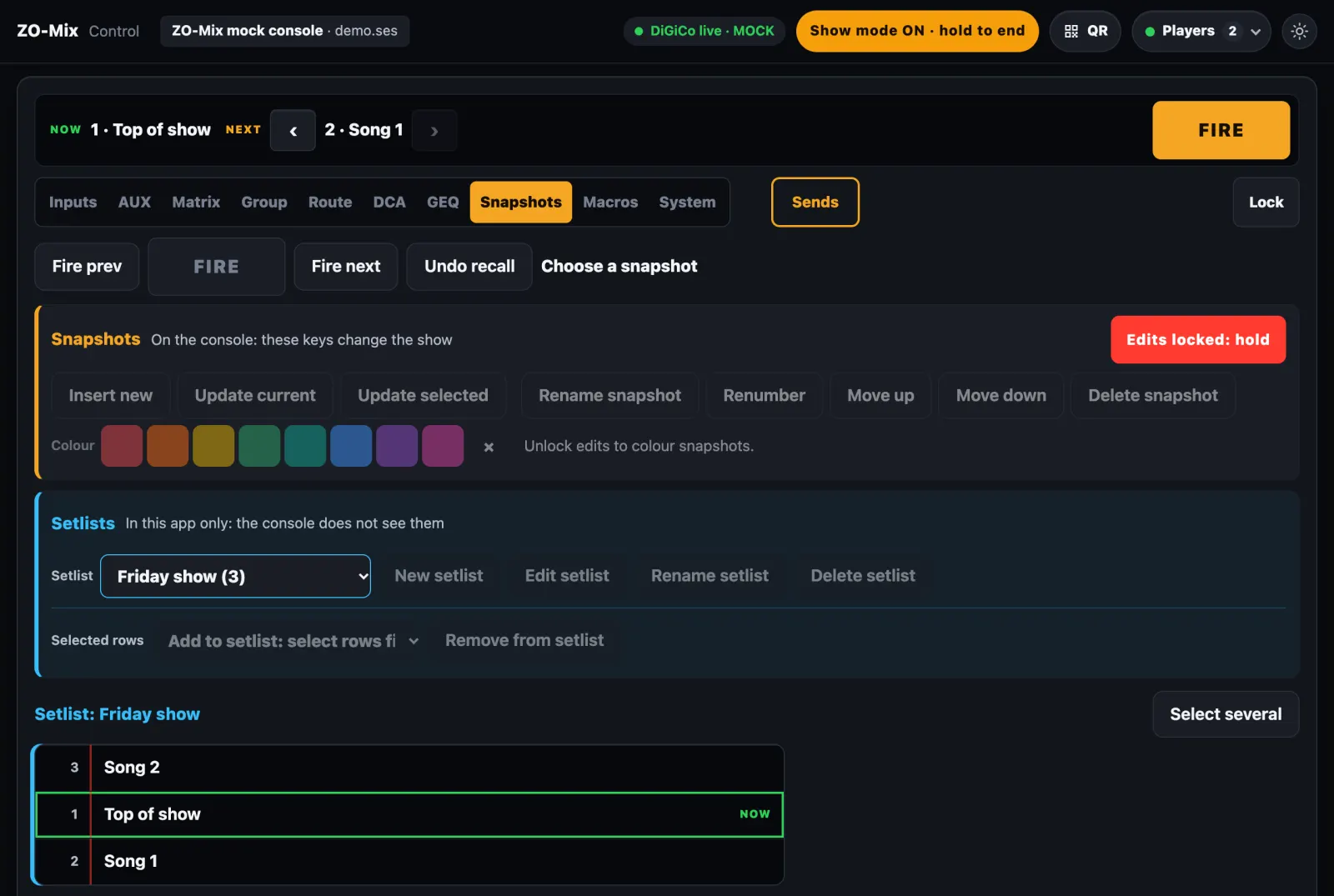
- Start: tap
Show modein the top bar. - End: hold the amber key for 2 seconds.
- Only the Mac or a Full device can start or end it.
- It stays on through a restart of the app.
What locks
- Snapshots: insert, update, rename, renumber, move, delete, colours and setlists.
- Gain and routing: 48V, phase, pad, Route,
Save gainsandRecall gains. - Names and presets: renaming, recalling console presets, and saving or deleting GEQ presets.
- Groups and saved mixes: groups, DCA order, and deleting saved mixes.
- Settings: the Setup page and making a new PIN.
What stays open
- Faders, mute and solo.
- AUX sends.
- EQ and dynamics.
- Gain and trim, after a 2 second hold on the strip. They lock again 25 seconds after the last change.
- Firing snapshots and macros.
- Pan.
- Chat and Help calls from musicians.
- Firing snapshots,
Fire next,Fire prev,Undo recalland macros. - Managing musicians and users: assigning a mix, the mixes musicians may edit, general permissions, the musicians' lock, approving, disconnecting and removing.
- Everything musicians do on their side.
Devices with limited permissions
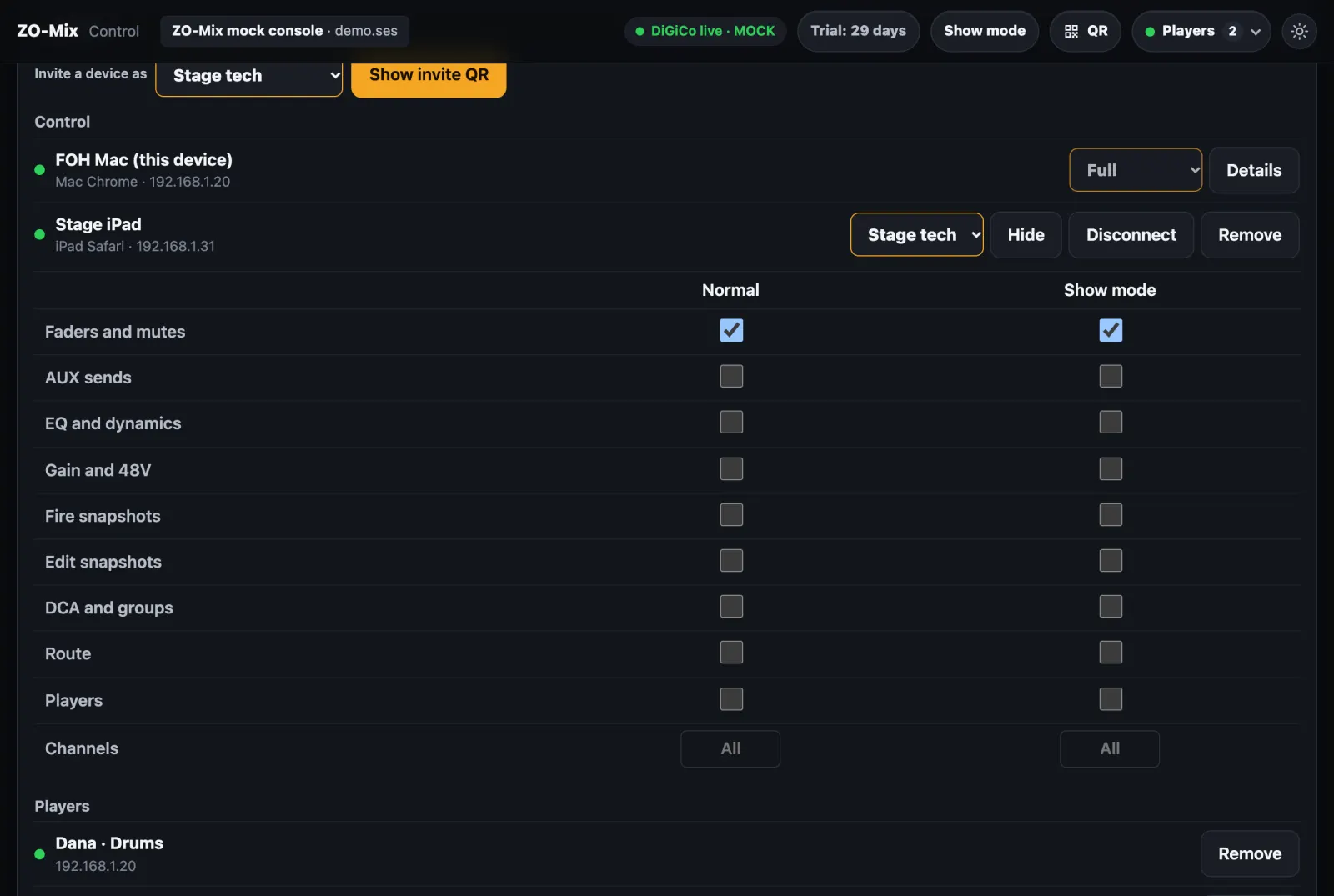
Each device that is not Full has separate permissions, normal and in Show mode, by area and range of channels. For example, a stage tech: only faders and mutes on channels 1–12.
Connecting devices
- A new Control device waits for approval on the Mac or a Full device, once:
Full,Stage techorView only. - An invite QR lets one device in at once, within 5 minutes.
- A dropped network or a reload asks nothing again.
- Musicians join as usual, with a QR code and the PIN.
Before a show
- Save the file on the console, so the gains are kept.
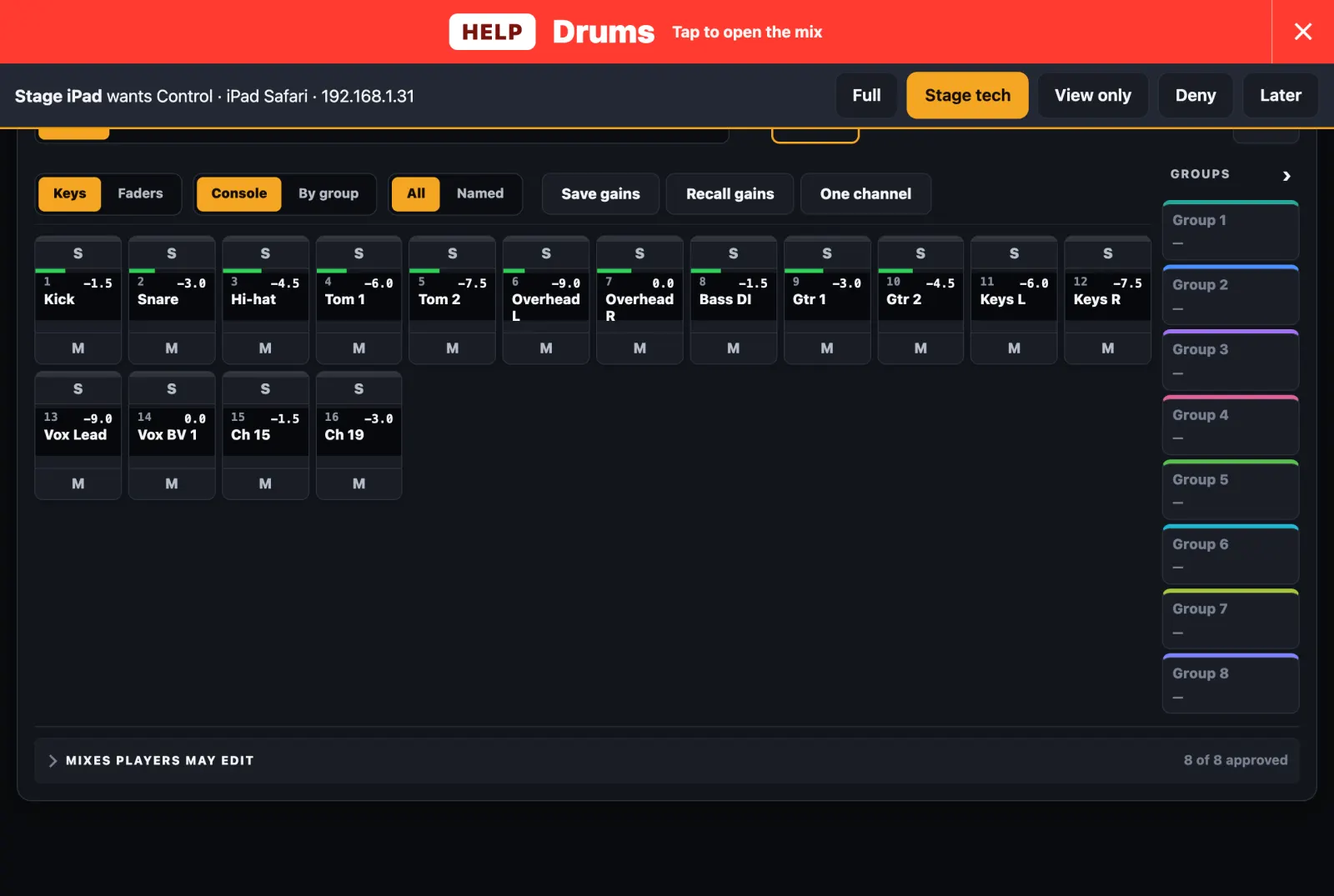
- Approve the devices that need Control.
- Check signal on the meters, with mutes closed.
- Tap
Show mode.
Limits
- Gain trims stay open, so
Recall gainsis locked at its key on screen, not where gains are written. Quitin the Mac's menu is not blocked.- The network is plain HTTP, so keep the Wi-Fi password to those who need it.
- A device is known by its browser, so another browser or cleared data looks like a new device and waits for approval.