The client report is a view-only page, with a link and a code. The client sees the donations, the total and the breakdown by fundraiser, and can export. The report uses the event's audience language and currency.
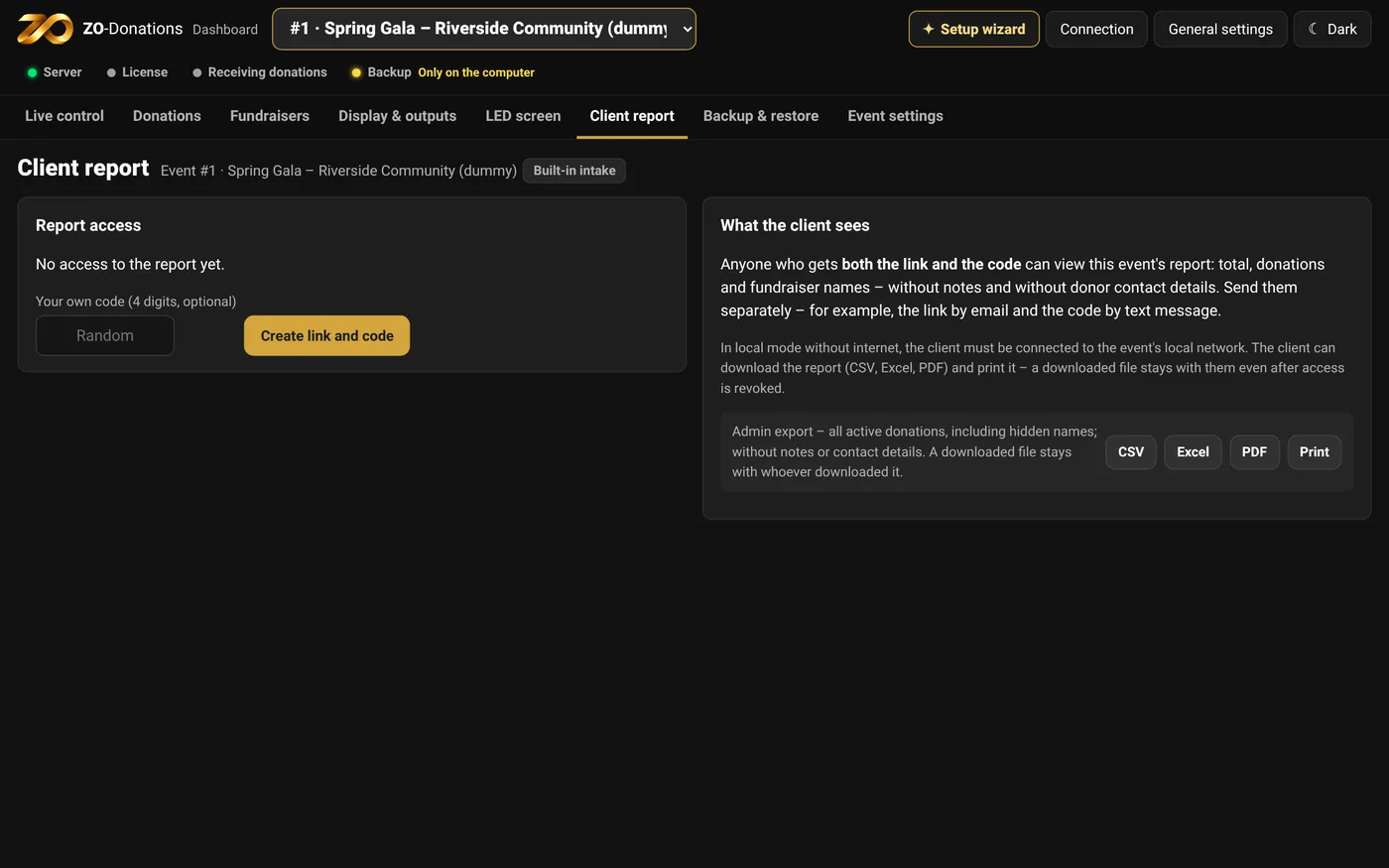
Creating and sharing it
- Client report → "Create link and code".
- Give the client the link (or QR code) and the code, separately.
- You can choose your own code, set an expiry, and choose whether to show the names on hidden donations.
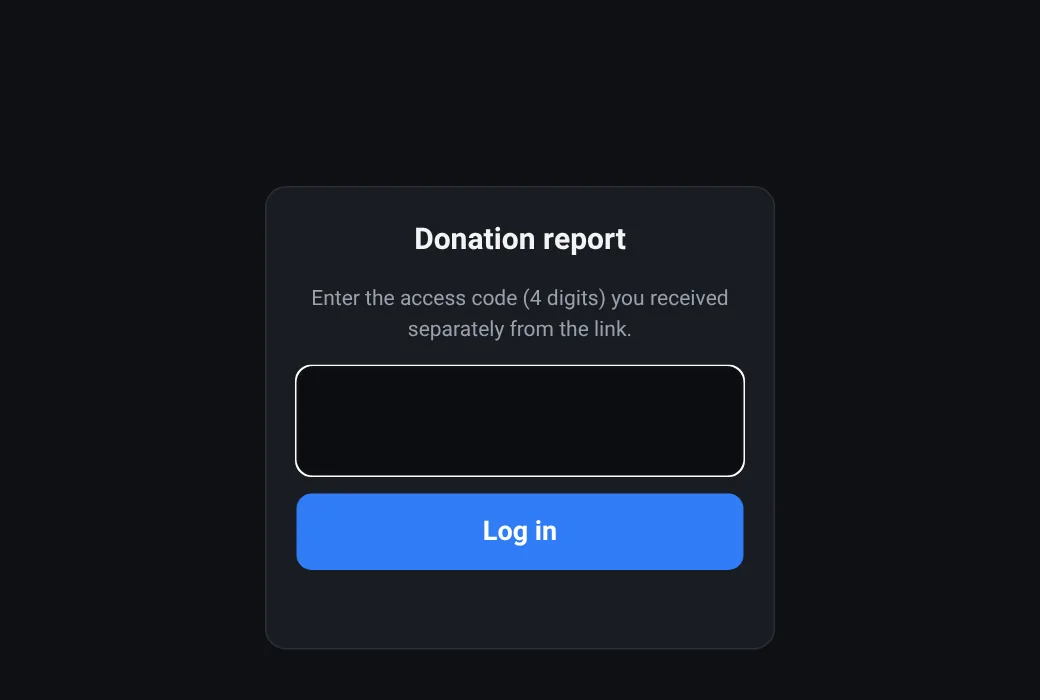
Managing it
- Change code or Change link: the previous ones stop working.
- Revoke: the report is closed.
- The report updates in real time, during the event too.
Export
CSV, Excel, PDF and print, from the Donations area or from the report. In a demo event or without a license, exports are marked as a sample.